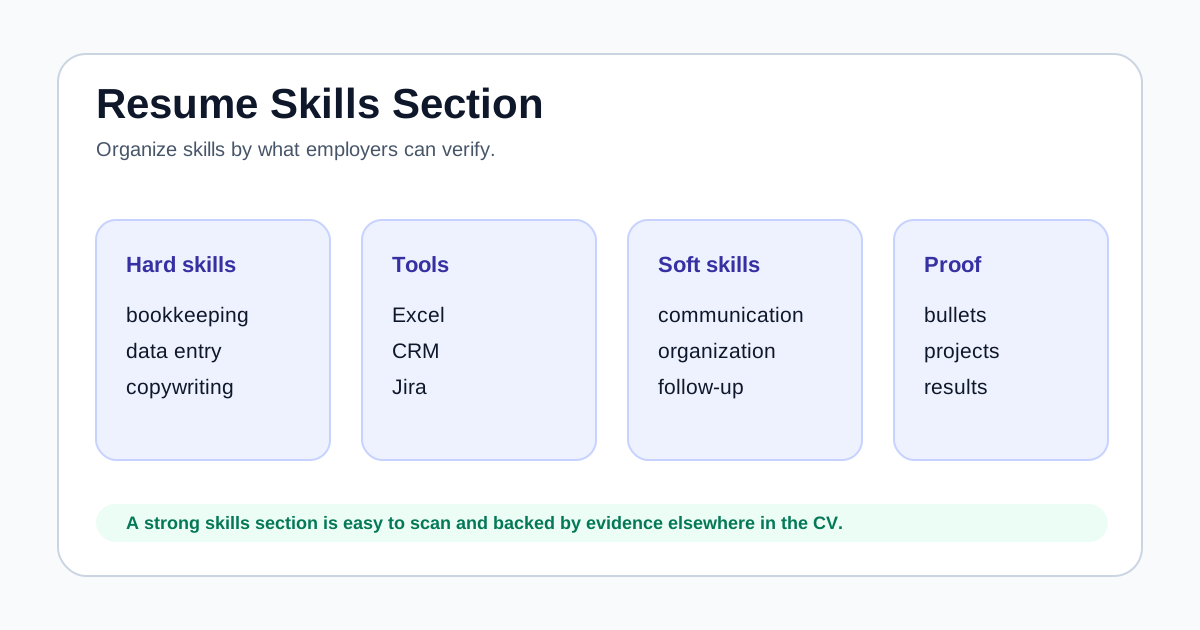
Group skills so recruiters can scan tools, hard skills, and soft skills quickly.
Use job description keywords only when they match your real background.
Every important skill should be supported by experience, projects, training, or certifications.
Separate skills by type
A mixed list can become hard to read. Grouping makes the section more useful, especially when a job description contains many tools and responsibilities.
For example, an admin applicant might separate office tools, reporting, customer support, and communication. A developer might separate languages, frameworks, databases, testing, and collaboration tools.
- Hard skills: bookkeeping, data entry, QA testing, copywriting.
- Tools: Excel, Google Workspace, Salesforce, Figma, GitHub.
- Soft skills: communication, organization, follow-up, documentation.
- Certifications or methods: NC II, Scrum, Google Analytics, basic first aid.
Use the job post as a filter
The best skills section is not the longest one. It is the one that helps the reader connect your background to the job. Start with the posting, then select skills you can honestly support.
If a job asks for Excel, reports, customer service, scheduling, and email communication, those terms should be visible when they match your experience. Skills unrelated to the role can be removed or moved lower.
- Highlight required tools and hard skills.
- Remove outdated or irrelevant skills.
- Keep only soft skills that can be shown through examples.
- Avoid adding skills you cannot discuss confidently.
Support skills with proof
A skill listed only once is weaker than a skill connected to an achievement. If Excel is important, show where you used Excel. If communication matters, show reports, client updates, ticket comments, training notes, or documentation.
This is also safer for ATS and human review. Keywords help matching, but proof helps trust.
- Skills section: Excel, reports, customer support.
- Experience bullet: Prepared weekly Excel sales summaries for a branch supervisor.
- Project bullet: Created a Google Sheets tracker for volunteer event signups.
- Training line: Completed customer service or tool-specific certification.
Check for overload before applying
A bloated skills section can look less credible. If a resume lists 40 skills but only proves five of them, the reviewer may distrust the list.
Before sending, use ApplyReadyCV with the job description. Review missing keywords, then add only the ones that are both relevant and true.
- Can each skill be backed by a bullet, project, or training?
- Are the strongest job-specific skills near the top?
- Are old or unrelated tools removed?
- Does the skills section match the target role?
FAQ
How many skills should I list on a resume?+
There is no fixed number. A focused list of relevant, provable skills is stronger than a long list of unsupported terms.
Should soft skills be in the skills section?+
Yes, but only the ones that matter for the role and are supported by examples elsewhere in the CV.
Are tools more important than soft skills?+
It depends on the job. Tools and hard skills are often easier to match, but soft skills become valuable when your bullets show evidence.